


What is Microsoft Work IQ?
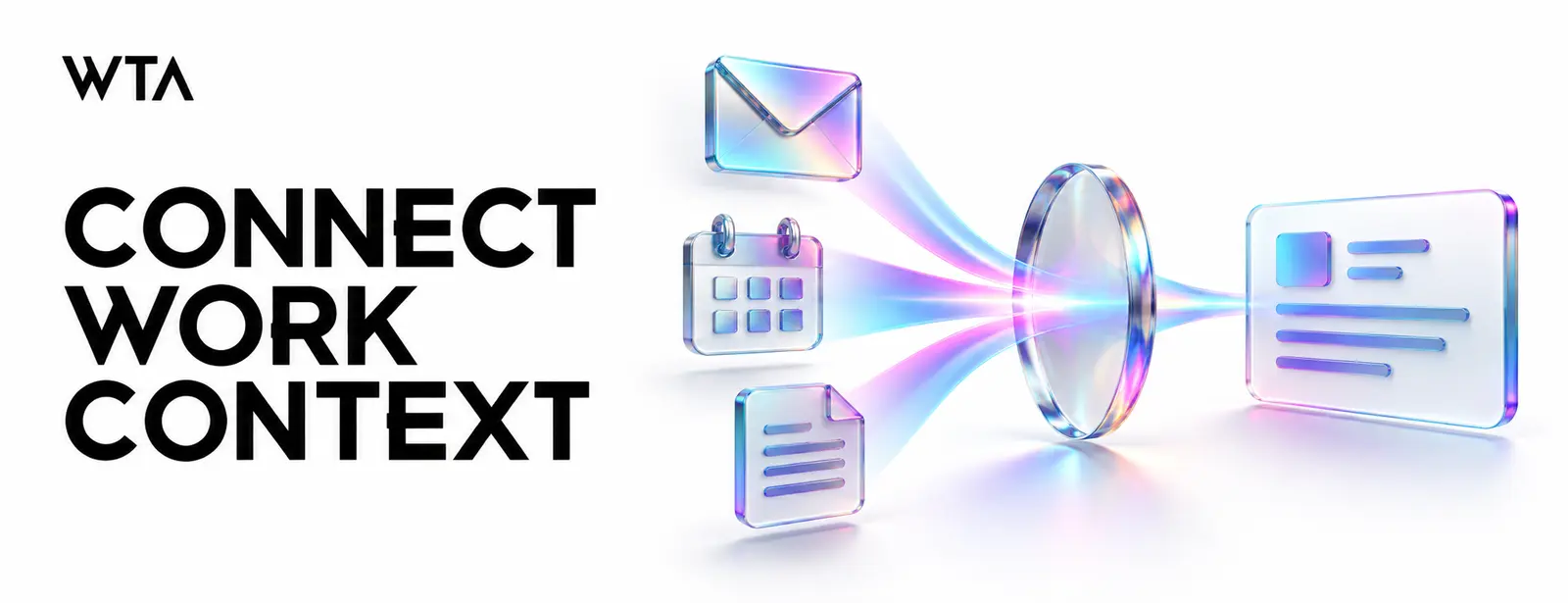
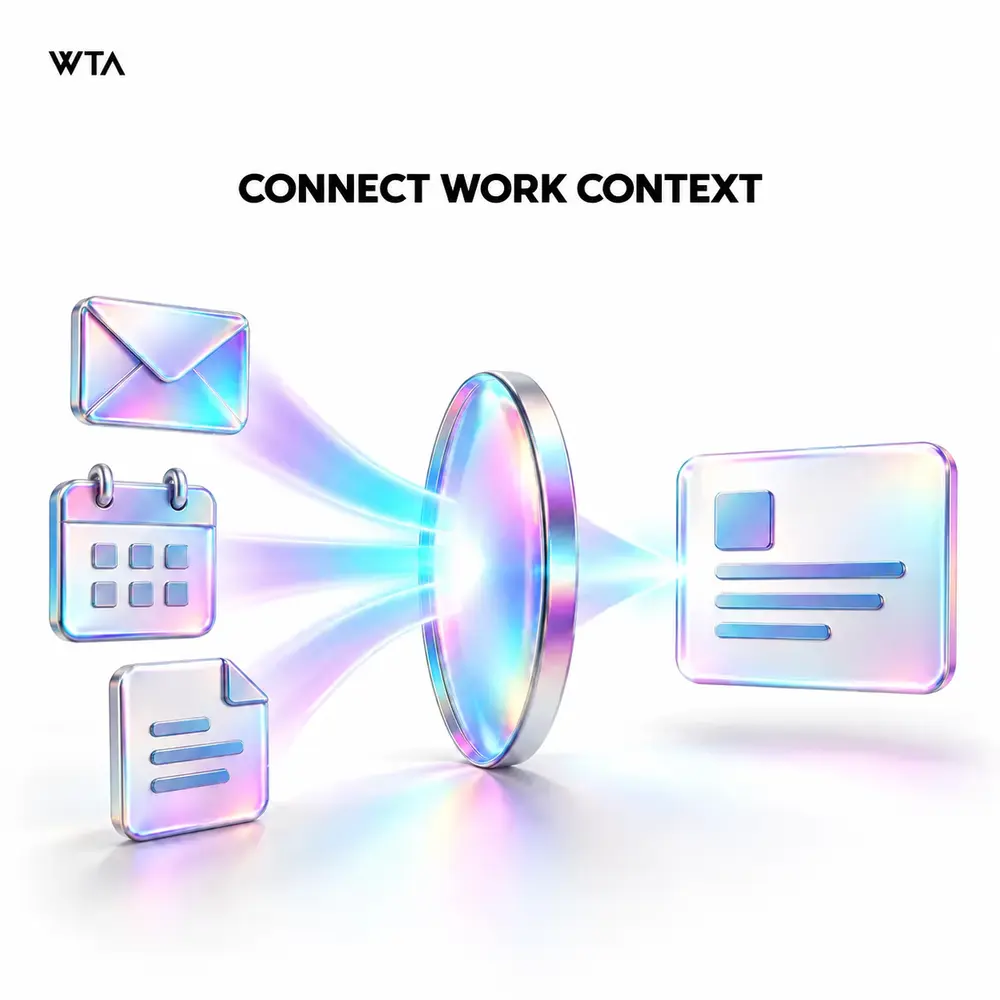
Work IQ is Microsoft's workplace intelligence layer for agents, applications, and workflows. It combines organizational information with context and tools, using permission-aware controls. It is broader than a command-line utility. The business purpose is to help an agent understand relevant work rather than relying only on what someone types into a prompt.
Where could workplace context help?
Consider a project update that needs approved documents, recent discussions, and information about the people involved. Connected context can help the agent prepare a more useful starting point. The team should still check whether the information is current and complete. A plausible summary may omit a decision that was never recorded.
Distinguish the experience from the integration
Microsoft documents several Work IQ interfaces, including conversational and tool-based access. A developer tool is one way to use the capability, while a business application may use another. Select the route based on the task and operating environment. Avoid making employees learn a technical interface when the goal is a familiar business experience.
Review access and information quality
Permission-aware retrieval does not correct an overly broad sharing policy. Review sensitive content, ownership, and access before connecting a new workflow. Test with different user roles and verify that the agent handles unavailable information clearly. Decide how people can challenge an output or report a source that needs correction.
Plan a measurable pilot
Choose a limited task such as preparing an internal project brief. Compare the result with the current process using quality, review effort, and completion time. Confirm current usage-based billing and administrative requirements for the selected route. Include support and evaluation effort in the cost model, then decide whether a wider release is justified.
Evaluate a workplace problem before selecting an interface
Ask where employees spend time reconstructing context that already exists somewhere in the organization. Project handovers, account preparation, and internal briefings are useful assessment candidates. Pick one task and inspect how it is performed today. Record the sources consulted, the gaps people fill through conversation, and the checks required before the output can be trusted.
An illustrative account briefing may depend on several documents and recent discussions. The important question is whether connected context helps the employee prepare an accurate brief with less total effort. A longer summary or a faster first draft is not automatically an improvement if the employee has to repeat the research to check every statement.
Separate source quality from access quality
Appropriate permissions and reliable information solve different problems. An employee may legitimately access a document that is outdated, incomplete, or wrong for the current task. Have business owners identify authoritative sources and explain how changes become official. When a proposal and an approved decision coexist, the workflow should preserve that distinction.
Build a lightweight source ownership process around the pilot. Employees should know where to report stale guidance and who can correct it. WTA's AI strategy and governance services help connect information readiness to a business roadmap. If the assessment reveals fragmented applications or difficult handoffs, platform modernization provides a route to addressing those dependencies alongside the AI experience.
Give the pilot a fair comparison
Observe a representative set of tasks before introducing the new approach. Separate preparation, verification, and final approval effort. Ask reviewers to use the same quality criteria for assisted and unassisted work. Differences in task complexity should be recorded so an easy pilot case is not compared with a difficult historical average.
Collect qualitative feedback as well as timing. Employees may value a clearer starting point even when the immediate time saving is small. Conversely, high usage can reflect repeated attempts to obtain a usable answer. Ask what happened to the completed work and whether the next person in the process needed additional clarification or correction.
Build a business case that survives wider use
Estimate the operating cost at realistic volumes, including unsuccessful attempts, user support, and ongoing evaluation. Confirm applicable commercial requirements for the chosen integration route rather than assuming that an existing product purchase covers every scenario. Keep measured pilot costs separate from projections for a broader rollout, and identify assumptions that need validation.
Define who can approve a new audience or additional action. Wider workplace context can introduce new information owners and different support needs. A rollout decision should name those responsibilities explicitly. Expand through useful tasks with clear acceptance evidence rather than making access to a broad intelligence layer the success measure. The investment should improve work that the organization actually needs completed.
Frequently asked questions
Is Work IQ the same as a chatbot?
No. Microsoft describes Work IQ as a workplace intelligence layer that can support agents and applications. A chat interface is one possible experience built around such capabilities. Evaluate the specific workflow and integration you intend to use rather than treating the product name as a complete employee-facing solution.
Does connecting workplace context guarantee a correct answer?
No. The result still depends on the available information, the task, and the application's behavior. Test incomplete sources, conflicting updates, and ambiguous requests. Give employees a way to inspect supporting context and escalate uncertainty. A plausible summary should not be mistaken for an independently verified business record.
What is a sensible first use case?
Choose a recurring preparation task with a clear audience and assessable output, such as an internal project brief. Keep consequential actions outside the first scope unless they are specifically designed and approved. Compare the complete task, including review effort, with the existing process before deciding whether to expand.
Who should participate in the assessment?
Include the process owner, representative employees, information owners, and the technical team responsible for identity and integration. Finance or procurement should validate material cost assumptions. These perspectives help distinguish a useful workplace improvement from a technically successful connection that lacks reliable information, ownership, or an operating case.
Published September 18, 2026. Microsoft Work IQ overview. Related: Building Work IQ Agents for Microsoft 365.
Apply this to your workflow
Explore our AI Readiness Assessment service, or discuss this challenge with WTA. Share your current process, the systems involved, and the result you want to achieve.

.svg)
.svg)
.svg)
.svg)
.svg)
.png)













.svg)

.png)